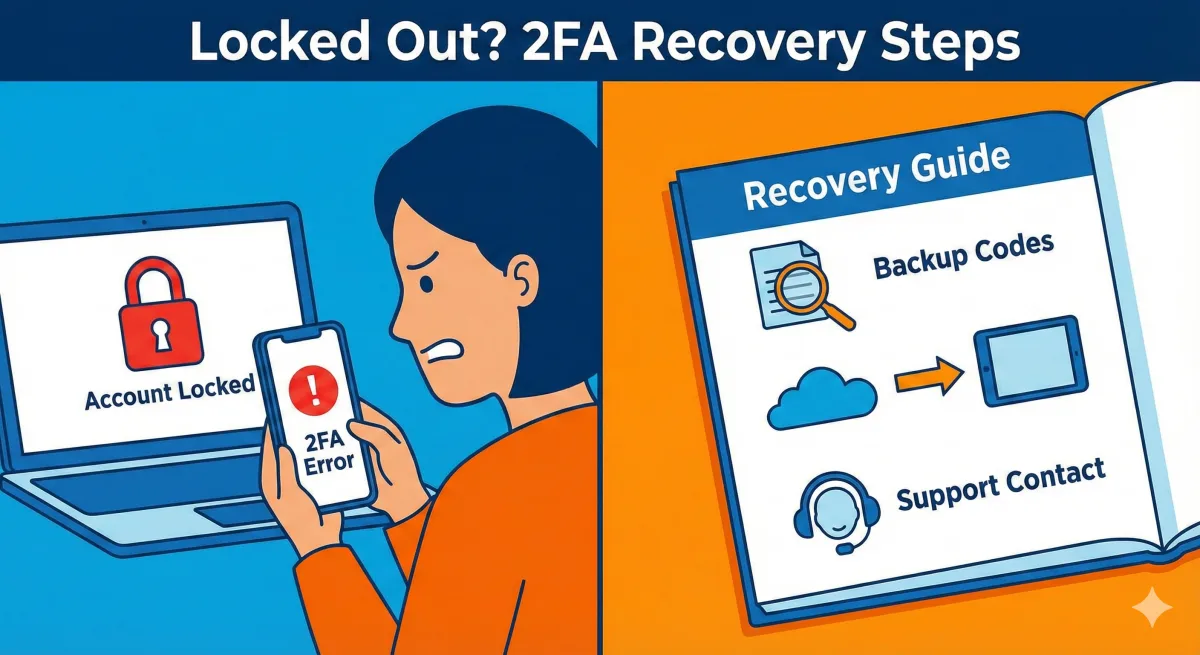
First, Take a Breath. You're Going to Be Okay.
If you are reading this, something probably went wrong with your Facebook login. Maybe you are staring at a screen asking for a code you never received, or you got a new phone and Facebook doesn't recognize you.
This happens to millions of people. You didn't break anything. You aren't "bad with computers." Facebook's security system is just a little confusing.
Let's fix this together, one small step at a time.
What Is Two-Factor Authentication?
Before we solve the problem, let's understand the mechanism. Two-Factor Authentication (2FA) is like having two locks on your front door.
Lock #1: Your password (something you know).
Lock #2: A code sent to your phone (something you have).
To get in, you need both. It prevents hackers from accessing your account even if they steal your password. However, if that second lock jams, you get locked out, too.
Problem #1: I'm Not Getting the Text Message
The Issue: Facebook is trying to SMS a 6-digit code to you, but it never arrives.
Step-by-Step Fix
- Wait 2 to 3 minutes (texts are often delayed).
- Check your signal bars (move upstairs or outside if signal is low).
- Open your text app and check the "Spam" or "Blocked" folder.
- Click the "Resend Code" link on the Facebook screen.
- Turn your phone completely off, wait 10 seconds, then turn it on.
- Wait 30 minutes to see if the carrier network clears up.
Your Backup Option
- Look for a link that says "Try another way" on the login screen.
- Select "Email" or "Answer security questions" if available.
🛑 DON'T DO THIS:
Do not click links in emails claiming to be "Facebook Support" asking for your password. Facebook will never ask for your password in a message. These are scams designed to steal your account.
Problem #2: I Changed My Phone Number (Or Lost My Phone)
The Issue: Facebook is sending codes to a number you no longer control.
Scenario A: You are still logged in on another device
If you have a tablet or old computer where you are still signed in:
- Go to Settings & Privacy > Settings.
- Click Accounts Center.
- Select Password and security.
- Click Two-factor authentication.
- Select your account.
- Remove the old number and add your new one.
Scenario B: You are completely locked out
- Go to facebook.com and click Forgot password.
- Enter your email or name to find your account.
- Click "No longer have access to these?"
- Enter a new email or phone number where they can reach you.
- Follow the prompts to upload a photo ID (driver's license) to prove your identity.
🛑 DON'T DO THIS:
Do not pay anyone who offers to "recover" your account on Instagram or Twitter. Real recovery is free. Anyone asking for money is 100% a scammer.
🔐 Quick Security Tip
While you wait for your code, ask yourself: Is your password actually strong? If you use "Password123" or your dog's name, you are at risk. Create a strong, memorable password instantly at SafePasswordGenerator.net
Problem #3: I Lost Access to My Authenticator App
The Issue: You used an app like Google Authenticator, but you deleted it or got a new phone, and the codes are gone.
Step-by-Step Fix
- Check for Backup Codes: Look for a saved list of "Recovery Codes" you might have downloaded when you first set up 2FA (search your computer files or printed papers).
- Use Cloud Backups: If you used Authy, reinstall it and log in; your codes might restore from the cloud.
- Use the "Try Another Way" Link: On the login screen, click this link to see if Facebook will allow SMS verification instead.
- ID Verification: If all else fails, use the "No longer have access to these?" method described in Problem #2.
🛑 DON'T DO THIS:
Do not delete your authenticator app unless you have confirmed your backup codes work. Once you delete the app, the keys are gone forever unless backed up to the cloud.
Problem #4: Facebook Keeps Asking for a Code Over and Over
The Issue: You enter the code, you get in, but the next time you open the app, it asks for the code again.
Step-by-Step Fix
- Check the Box: When entering your code, ensure "Remember this device" is checked.
- Chrome Users: Go to Settings > Privacy > Cookies. Ensure "Block third-party cookies" is OFF.
- Safari (iPhone) Users: Go to Settings > Safari. Ensure "Block All Cookies" is OFF.
- App Users: Uninstall the Facebook app, restart your phone, and reinstall the app.
The "Stay Safe" Checklist
Once you recover your account, take 5 minutes to prevent this from happening again.
- ☐ Save Backup Codes: Go to 2FA settings, generate "Recovery Codes," and write them down physically.
- ☐ Add Multiple Methods: Connect both your phone number AND an authenticator app.
- ☐ Set Trusted Contacts: Designate 3-5 friends in your settings who can help you verify your identity in the future.
- ☐ Check for Leaks: Go to HaveIBeenPwned.com to see if your email or phone number has appeared in known data breaches.
- ☐ Verify Email: Ensure the email address on file is one you actually check.
You're Not "Bad with Computers"
If you are reading this, you are taking control of your security. That is smart. These systems are designed by engineers who sometimes forget that not everyone lives and breathes tech.
You've got this. 💙
📩 "No Jargon, Ever."
Cybersecurity is confusing. We make it simple. Join the Safe & Secure Newsletter and get clear, easy protection tips. No tech-talk. No confusing acronyms. Just safety.
Frequently Asked Questions
1. How long does it take for Facebook to review my ID?
It typically takes Facebook between 24 and 48 hours to review a submitted ID (like a driver's license or passport). However, during busy times, it can take slightly longer. Keep an eye on the email address you provided them.
2. Why is my Google Authenticator code not working?
This is usually a time-sync issue. Go into your Google Authenticator app settings, find "Time correction for codes," and click "Sync now." If your phone's time is even one minute off from Facebook's servers, the code will be rejected.
3. Should I turn off Two-Factor Authentication permanently to avoid this?
We strongly recommend keeping it on. Without 2FA, all a hacker needs is your password to steal your identity. It is better to deal with a login issue once than to lose your account forever to a hacker.